.png?width=500&name=Ontwerp%20zonder%20titel(1).png "Back to home")

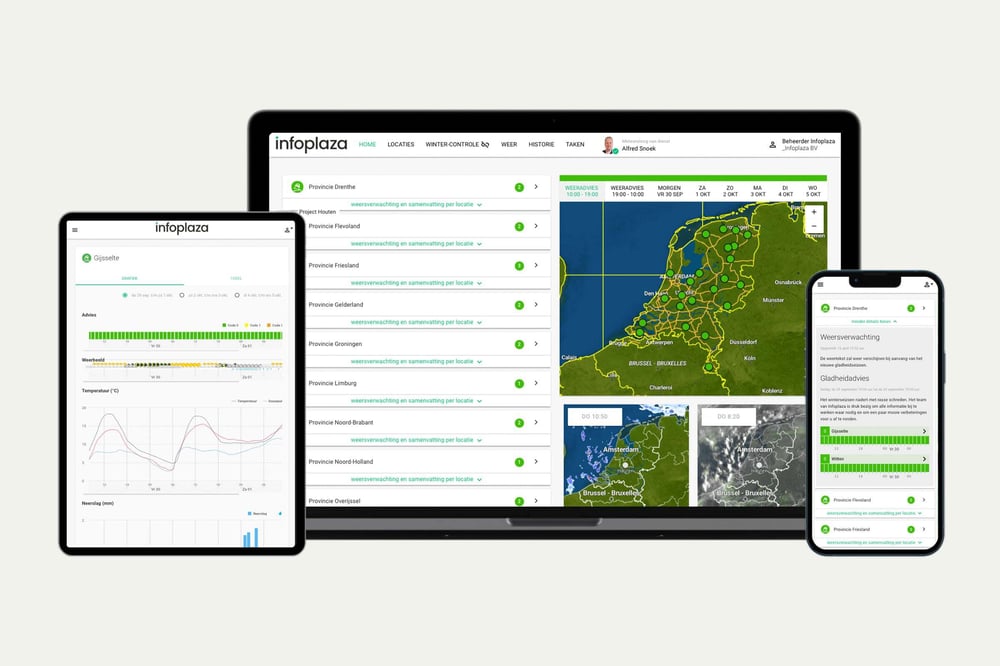


From weather data to workable periods at each location
Whether work can proceed depends not only on the weather, but also on the activity and the agreed criteria. Construction Support links the local weather forecast to these criteria and records the relevant weather data. This means you can use the same information for both advance planning and retrospective documentation.
- Workability by project and activity
- Set your own criteria and operational limits
- Forecasts and historical records in one environment

What can you do with Construction Support?
- Plan construction activities
See when conditions are suitable for each project and activity, such as asphalt paving, concrete pouring, masonry, roofing, painting and working at height.
- Set criteria and alerts
Use standard criteria or add your own weather limits for activities with specific requirements. Receive notifications when conditions are expected to exceed these limits.
- Record and report weather delays
Access historical weather data and reports by project and location to substantiate non-workable days and decisions afterwards.
- Collective labour agreement and frost-related downtime
View the recorded apparent (“feels-like”) temperature used under the Dutch construction collective labour agreement (CAO), and see frost-related downtime days that may qualify under its frost scheme.




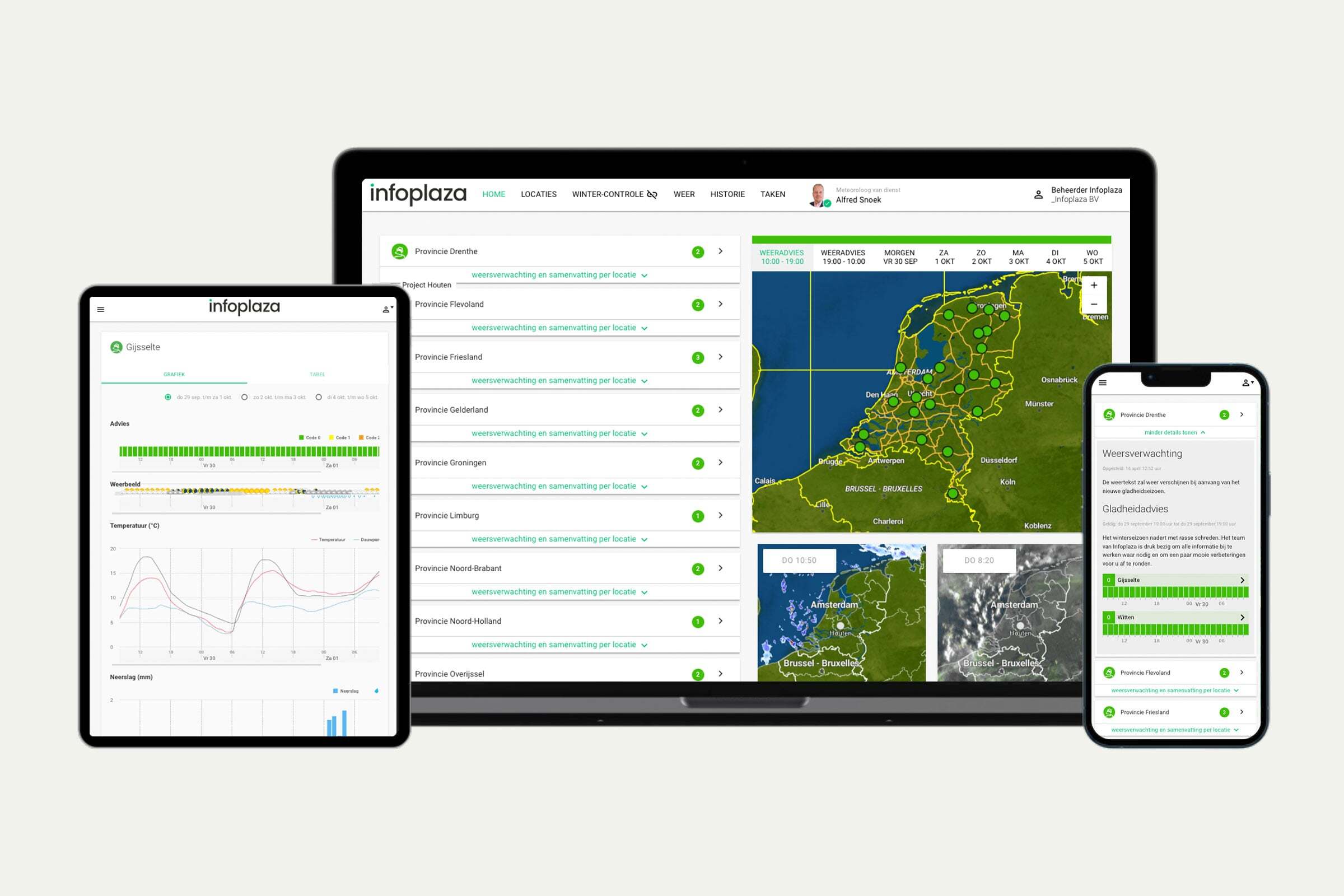
Dashboard: direct inzicht
Stel zelf je projecten en werkzaamheden in — van asfalteren tot dakdekken. Zie in één oogopslag of de omstandigheden geschikt zijn om te werken, per locatie en per fase van het project.
Ideaal voor teams die:
- Snel willen starten, zonder technische integratie
- Zelf werkbaarheidscriteria willen beheren per project of werkzaamheid
Wat je krijgt:
- Zelf in te richten projecten en weercriteria
- Automatische registratie van verletdagen en CAO-gevoelstemperatuur
- Overzichtelijke kleurcodes per werkzaamheid en locatie

API: onze data, in jouw tooling
Integreer onze bouwweerdata rechtstreeks in je eigen systemen, zoals projectplanningstools of interne dashboards. Behoud je bestaande workflows en voeg betrouwbare weerdata toe waar je die nodig hebt.
Ideaal voor teams die:
- Weerdata willen combineren met andere databronnen of systemen
- Eigen dashboards, modellen of automatiseringen bouwen
Wat je krijgt:
- Directe toegang tot relevante databronnen
- Flexibele integratie in bestaande tools en systemen
- Documentatie en ondersteuning bij implementatie